On a recent visit to Bletchley Park , after the obligatory visit to the RSGB National Radio Centre my interest was peaked by the QO-100 station setup in the corner of the GB3RS shack. I have recently been dabbling with the LEO satellites so was interested to learn about the only Geostationary Satellite available to Amateur Radio Operators.
On returning home I started to research on what would be needed to work the satellite. There were a few different paths to achieving this, some involving SDR for both transmit and receive and others with SDR on the downlink and an Analogue Radio on the uplink. I chose the latter as I liked the idea of using an analogue radio and microphone.
SETUP
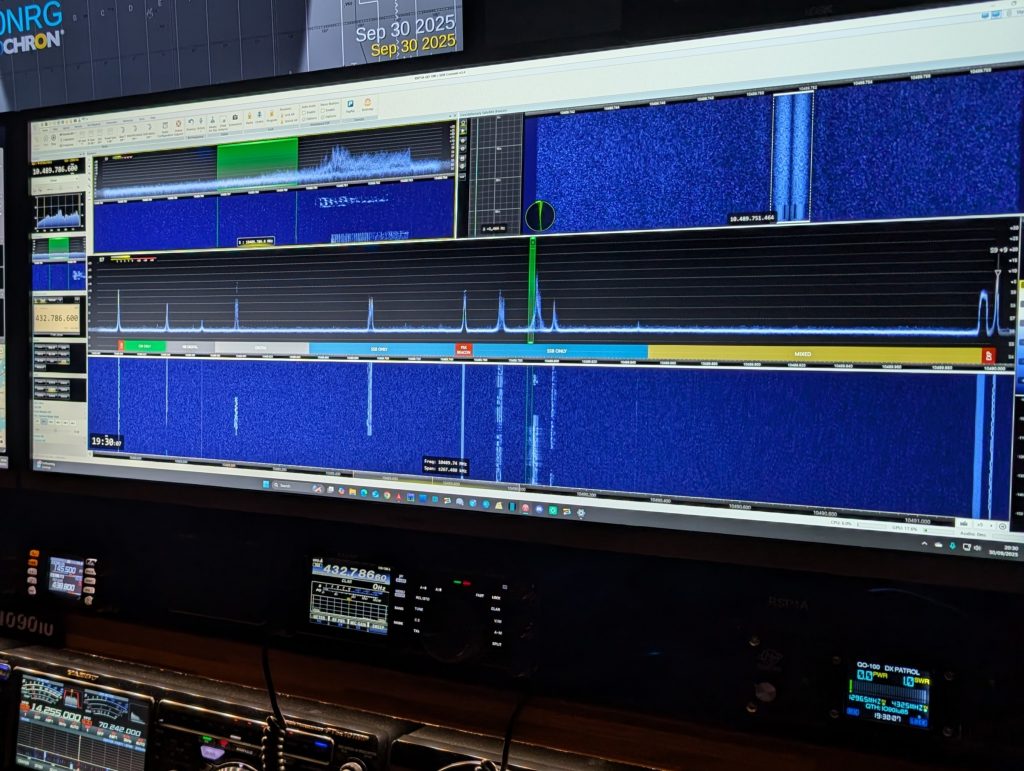
Kit List:
80cm Offset Dish
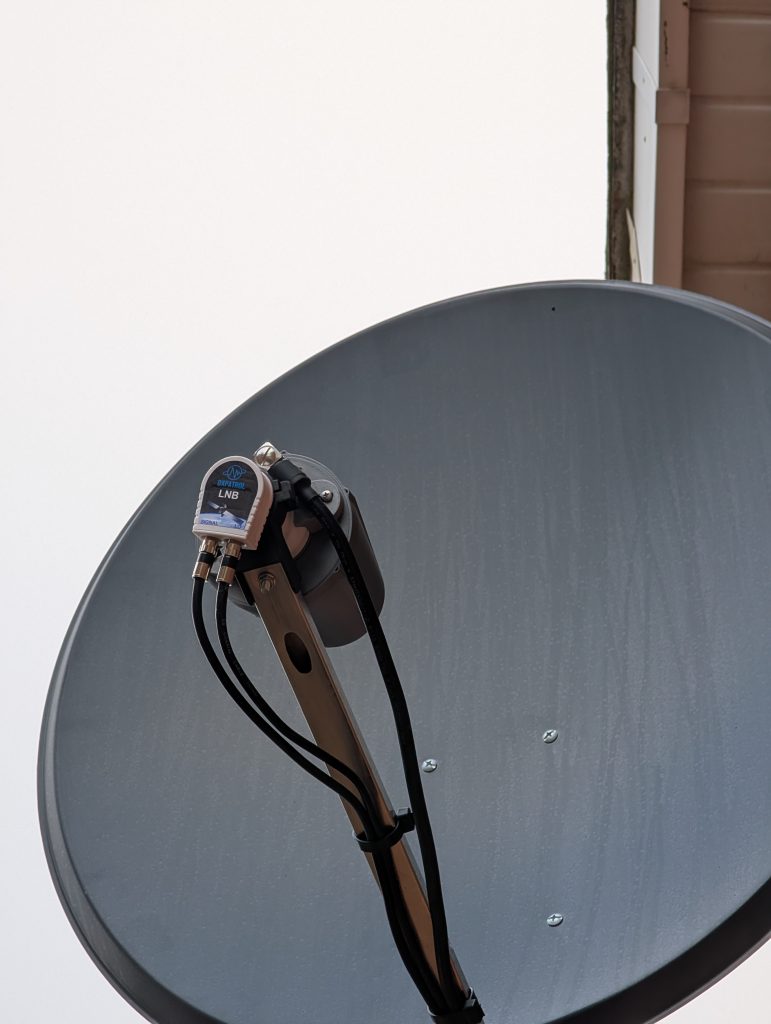
DXPatrol LNB
DXPatrol High Performance 4 turn Helix Antenna
DXPatrol GNSS Antenna
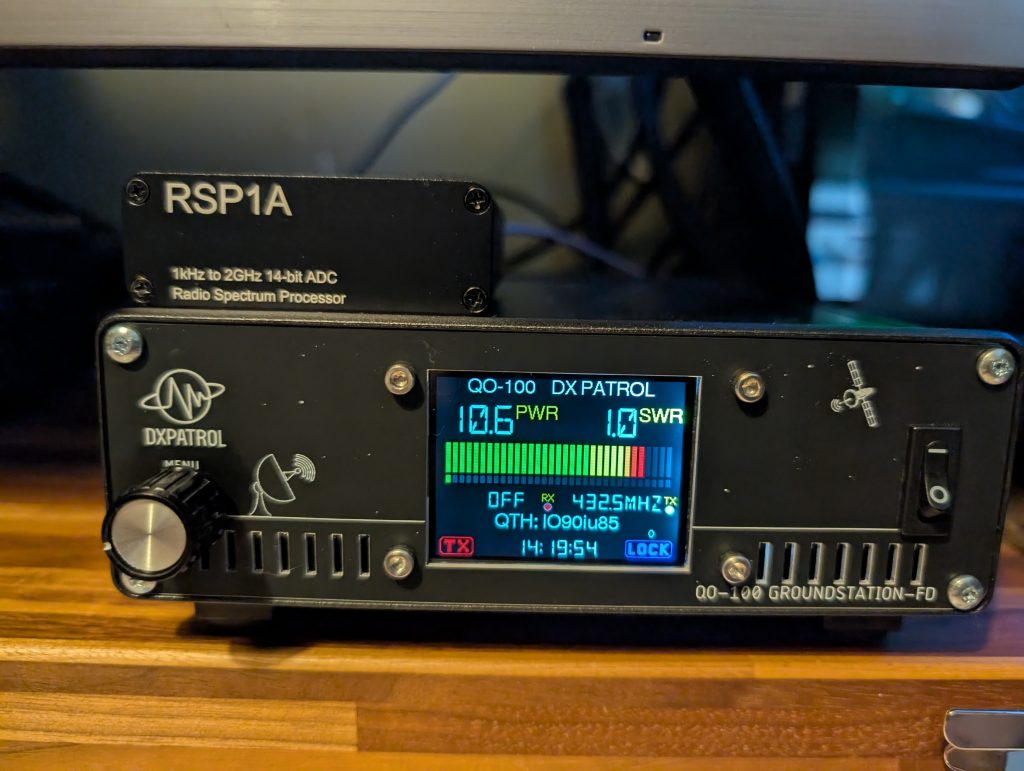
DXPatrol Full Duplex QO-100 Groundstation 2
SDR Play RSP1A
Yaesu FT991A
10dB 25W pad
Messi & Paoloni Ultraflex 10 coax for the uplink
2x 5m good quality 75 Ohm coaxial leads for the Signal and LO connection to the LNB
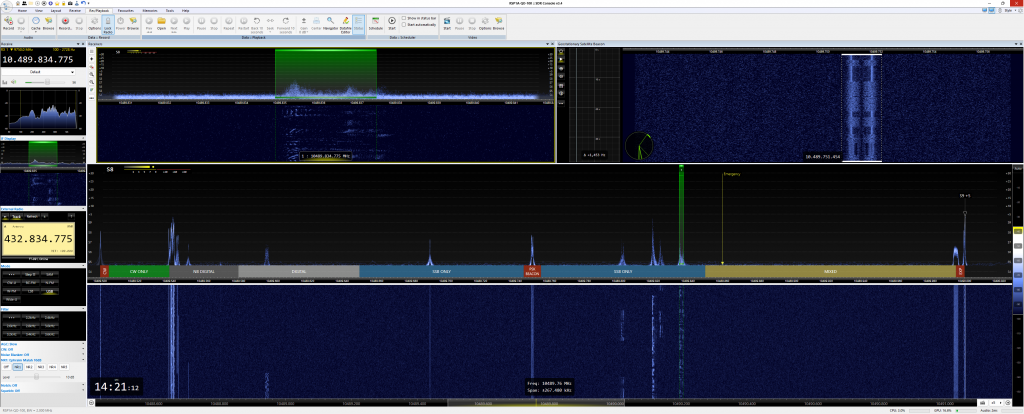
SDR Console by Simon Brown
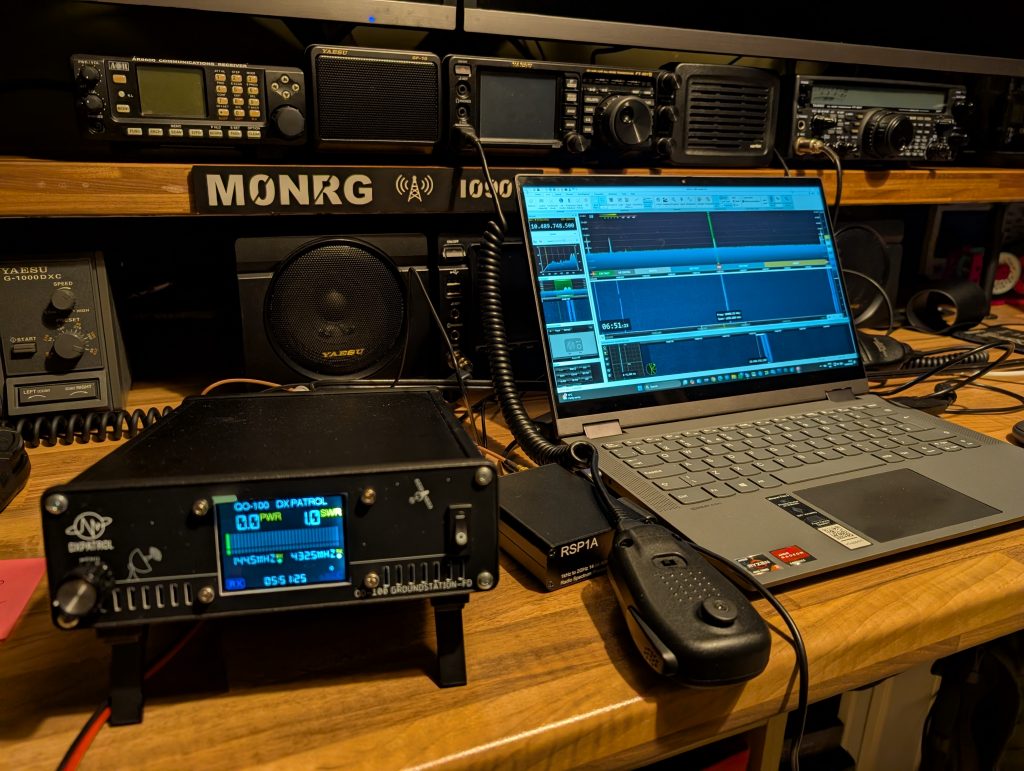
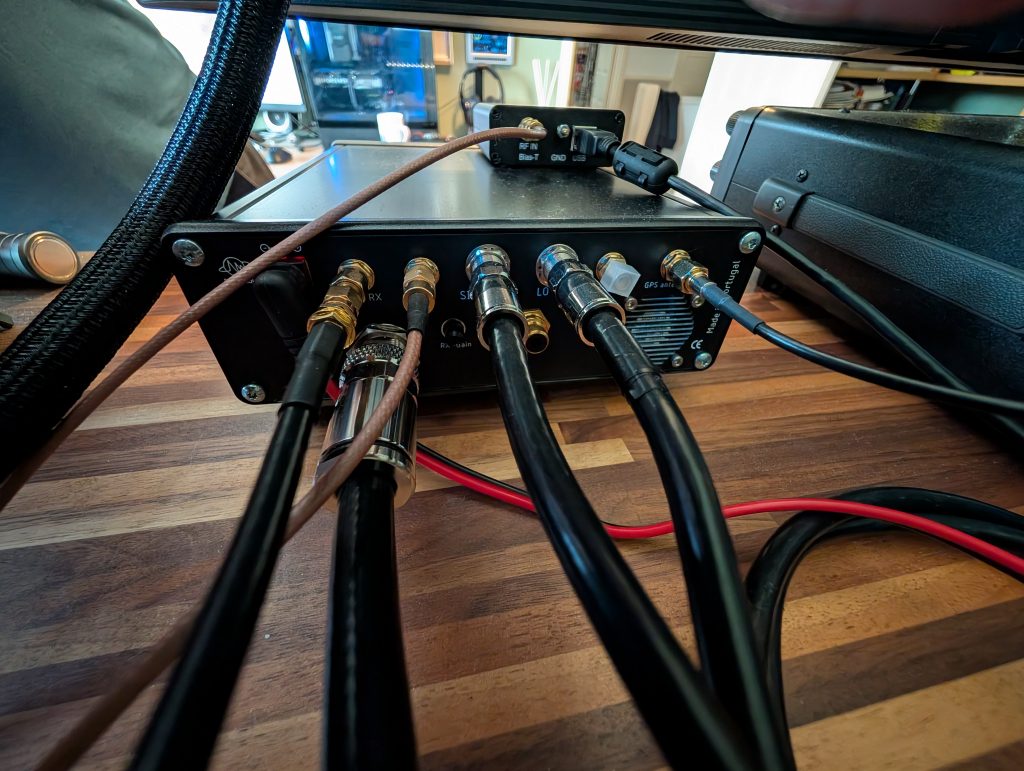
In a nutshell the DXPatrol Groundstation 2 consists of an Upconverter, Downconverter, Power Amplifier, GNSS module, the kit also comes supplied an LNB and GNSS Antenna. All you have to add is a means to transmit and receive and your good to go.
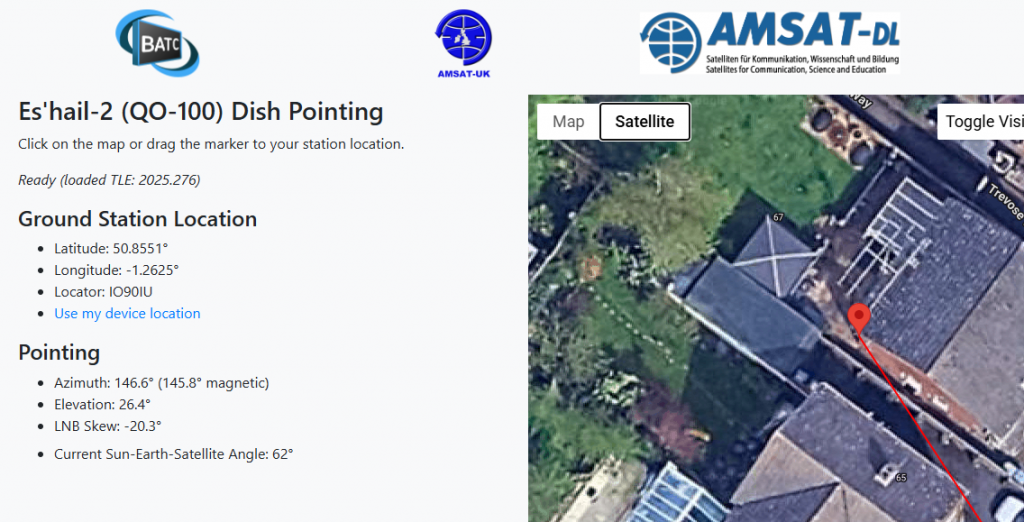
I decided to focus on the receive path first. I started off by setting up the dish on a tripod, this involved aligning the LNB skew and the elevation of the dish. For this I used the BATC dish pointing tool that can be found here
Once I had completed the skew and elevation it was time to mount the dish. To keep the cable runs to a minimum the dish needed to be installed on the side of the house with the shack being on the opposite side of the wall. I drilled the hole for the cabling from the shack side out which then dictated the mounting position of the dish.
I mounted the dish and initially set the azimuth using and app on my phone called DishPointer. I then fed the two 75 Ohm cables from the LNB (LO and Signal) through to the shack, these were connected to the DXPatrol Groundstation 2. Next the RSP1A SDR was connect via its (RF in) to the (RX out) of the Groundstation 2, the (RX out) on the groundstation 2 is for RX only to enable Full Duplex operation. The GNSS antenna was then connected to the Groundstation 2 and placed on the windowsill.
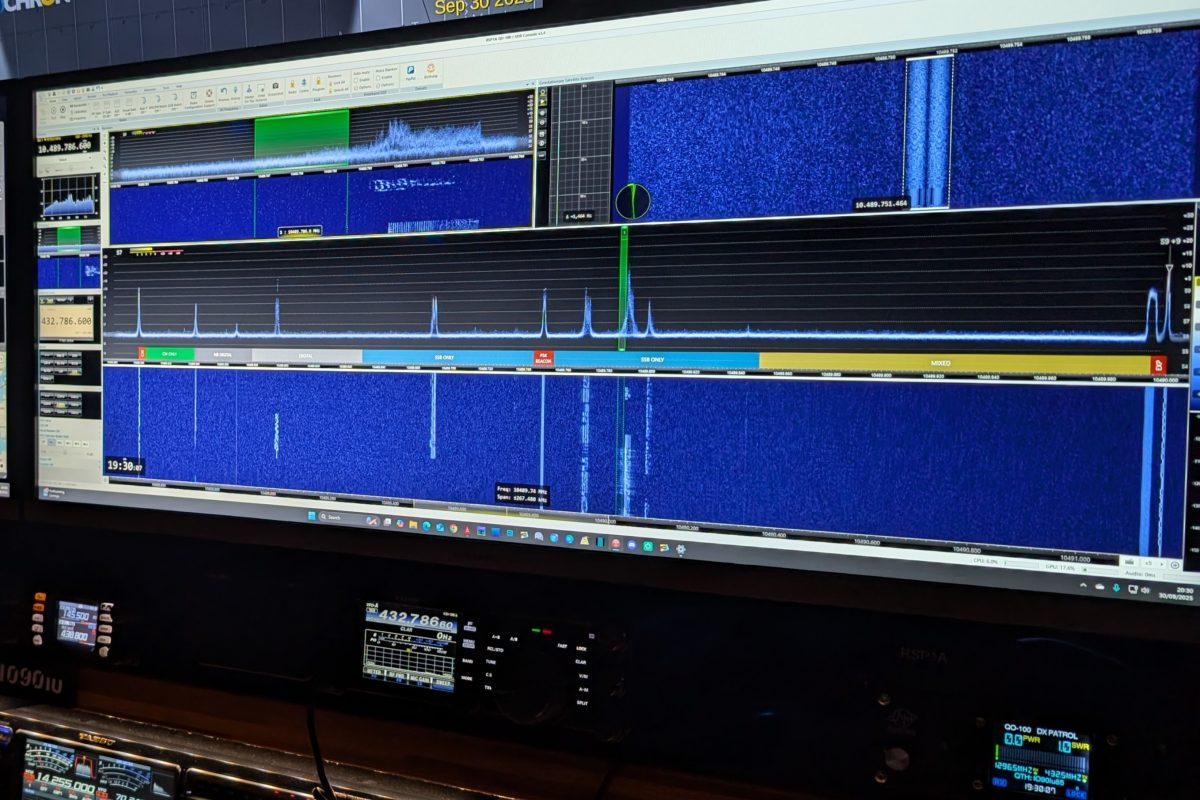
For this initial setup I connected the RSP1A SDR to a laptop running SDR Console and after configuring the software I tuned to the PSK Beacon on the satellite and used this to fine tune the elevation and azimuth of the dish. To do this I had to call on a friend to sit in the shack and call out the numbers whist I went up and down the ladder after each adjustment. We eventually achieved the maximum received levels at which point we called it a day due to dropping light levels.
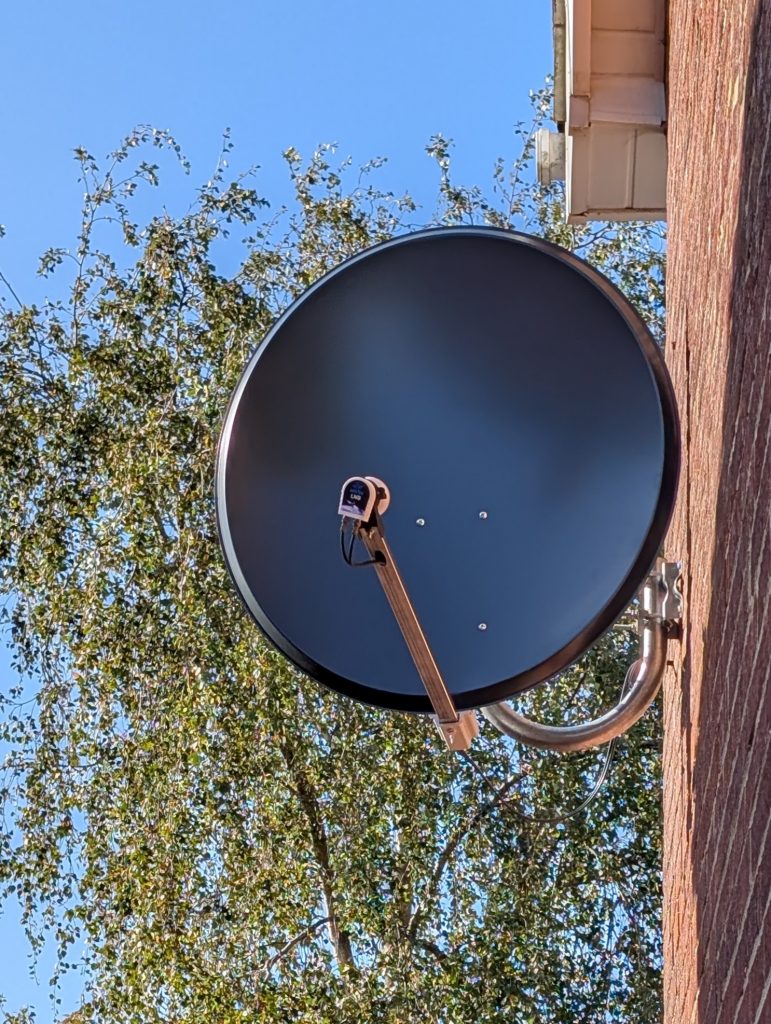
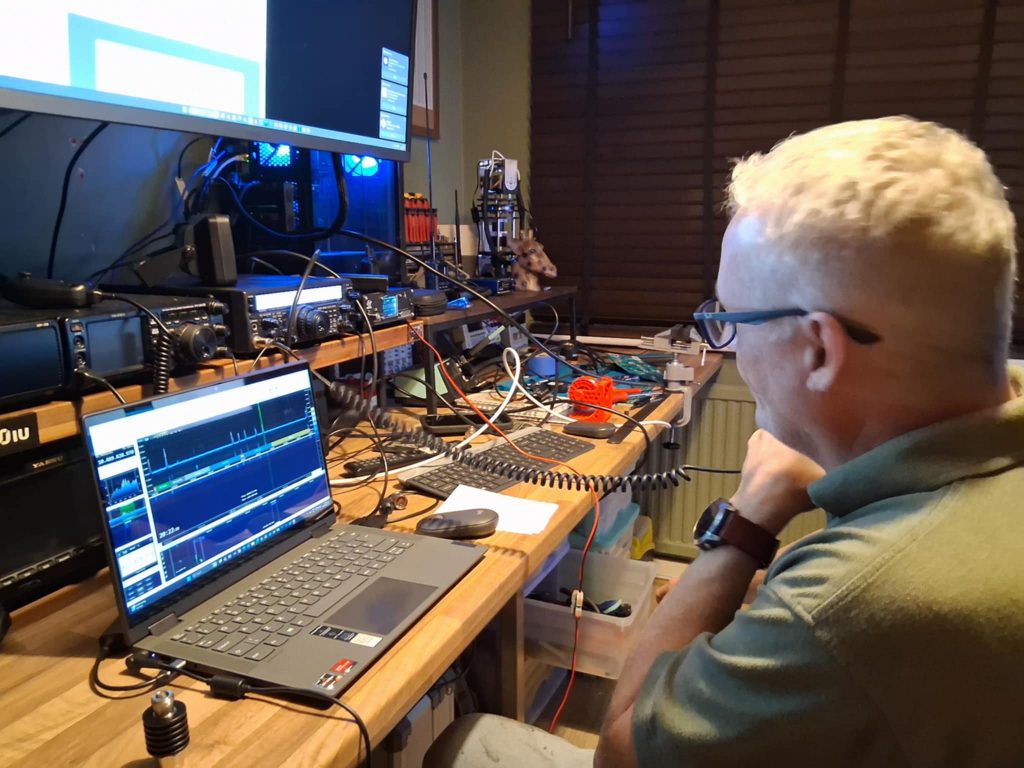
A few days later I set about completing the final stage of the installation, the TX Uplink path. For this I had to attached the 4 Turn helix Antenna to the LNB, attach the feedline and feed this back into the shack.
Firstly I had to fit a right angle N-Type connector to the feedline for connection to the Helix Antenna. Once the connection was made to the antenna I then fed the feedline back into the shack and fitted the second N-Type which was then connected to the Groundstation 2. The only required configuring on the groundstation 2 was to set the Uplink band, for this I chose 70 cm.
For TX I initially used my old Yaesu FT847, this radio is slightly off frequency on SSB and takes a little while to warm up so I later swapped this out for my Yaesu FT991A. I connected the feedline from the Helix Antenna to the (RF Out) and the FT847 Antenna port to the (IF – RX/TX) TX Input and RX Output combined port on the Groundstation 2. In this setup I’m only using the combined (IF – RX/TX) for Transmission as Im using the separate (RX) port for the downlink enabling Full Duplex operation. The RX on the combined port can be switch off on the groundstation 2 turning it into a TX path only. The Yaesu FT847 allowed for a minimum RF output of 1 W which is the stated optimum drive for the Groundstation 2. When I swapped over to the Yaesu FT991A I had to place 25 W 10 dB pad between the radio and the Groundstaiton 2 as the Yaesu FT991A has a minimum RF Output of 5 Watts, therefore setting the the TX RF power to 10 W would achieve a 1 W drive to the Groundstation 2.
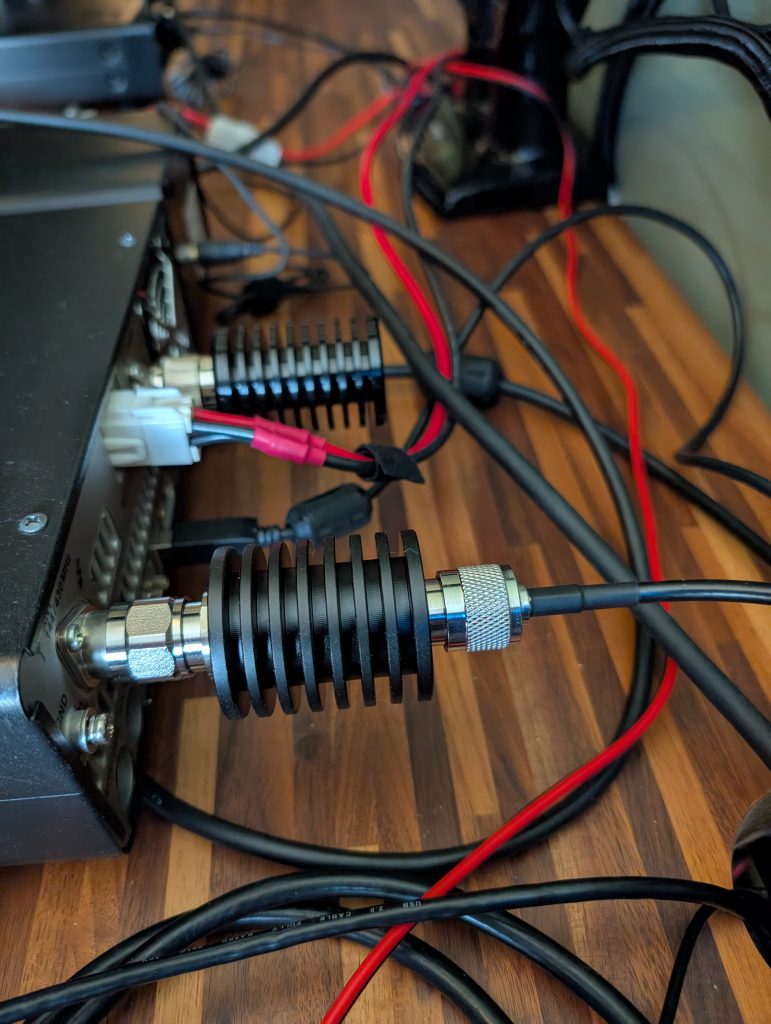
After some configuring of SDR Console (this would make for its own post) which included enabling frequencies above 9.999 GHz, setting up converter definitions for the uplink and downlink, synchronising with the telemetry beacon on the satellite and setting up the external radio using Omni-rig. I was now ready to make my first contact on QO-100 (18/09/2025).
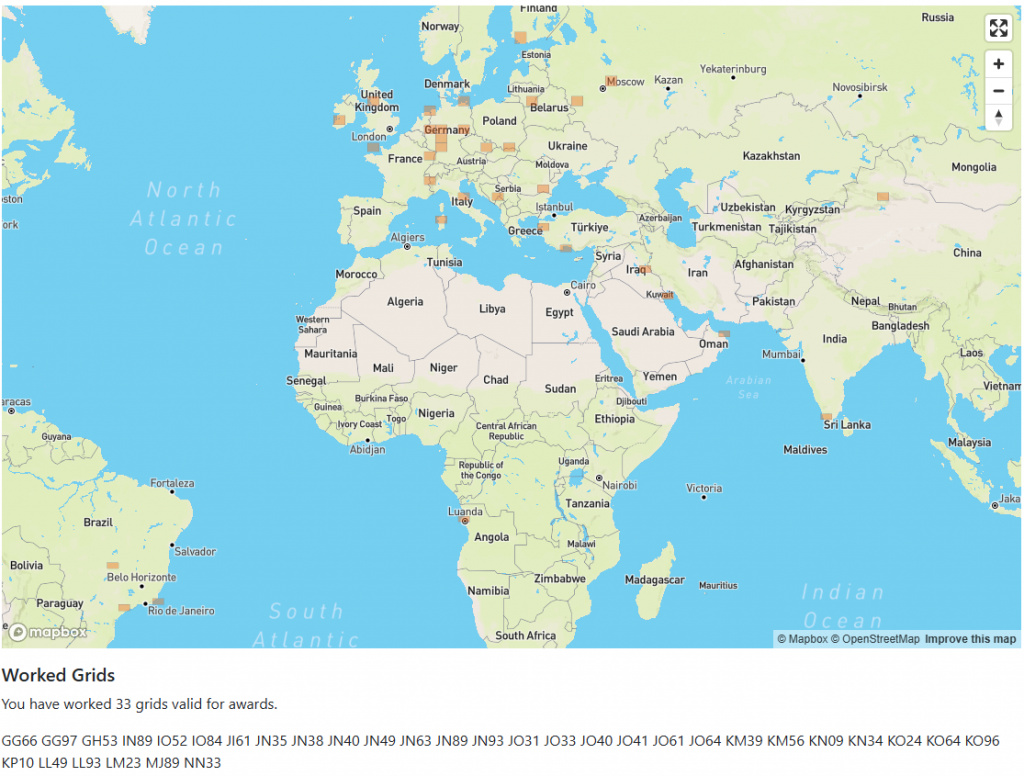
My first QO-100 contact was with YO3IJ in Romania with a 5-9 report both ways. I then worked R3DPH in Russia and TA1D in Turkey.

I joined the QO-100Dx Club which is devoted to QO-100 users. Apart from a wealth of information and news you can also upload your contacts which will give you access to your personal logbook, a map of your worked grids, a selection of statistics on your activity and any QO-100Dx Awards that you may qualify or be working towards. I’m not normally a grid chaser but in the case of QO-100 where there is essentially a definite number of grids to fill in the window of the satellite this may get addictive.